Loading video...

Video Failed to Load

Go Home

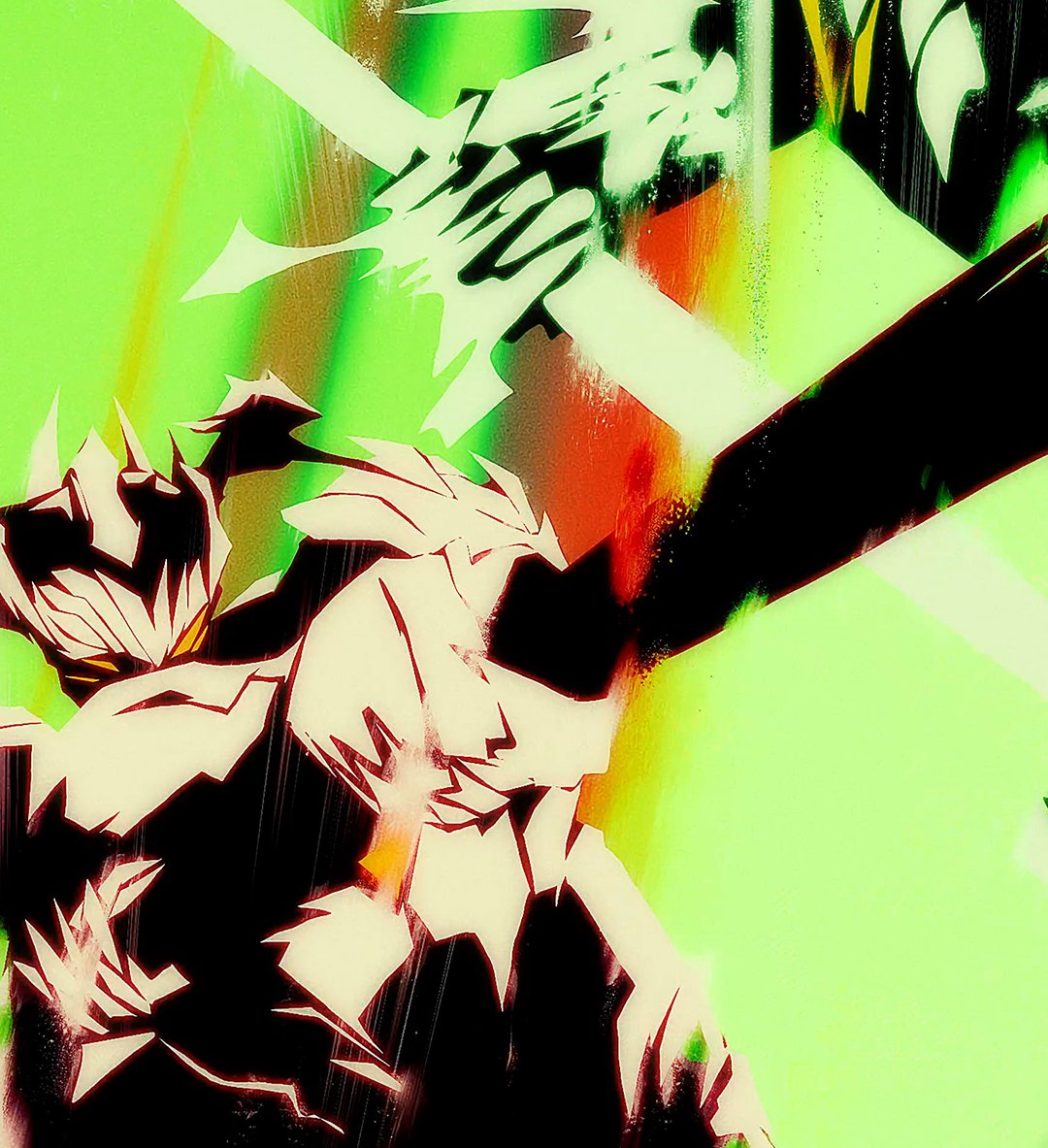
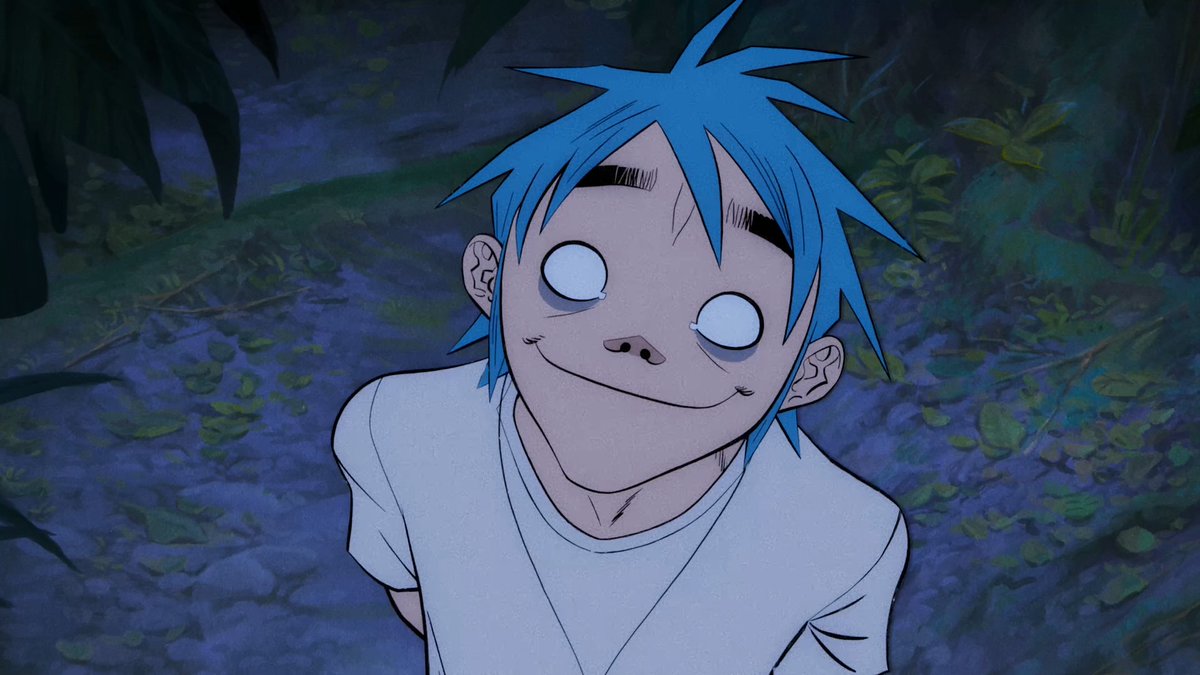
2D animator Mayde created an incredibly smooth hand-drawn dance animation at 48 FPS, using Flash 8 and Animate 2024. It took 83 individual drawings and over 200 hours:

44,096 views • 8 months ago •via X (Twitter)

0 Comments

No comments available

Comments from the original post will appear here

Related Videos

Seedance V2 This used to take people month of study and practice on Adobe Flash, now it can be done with Seedance V2, not perfect but this is the worst it will be. 15 seconds, stylized 2D hand-drawn animation, overhead battlefield on aged yellow lined notebook paper, clear blue horizontal ruled lines and a red left margin line always visible, fine paper grain, pencil marks, ink strokes, minimal classroom-material aesthetic at the start. The entire video must preserve the same paper world from start to finish. No live action, no 3D rendering, no realistic human faces, no modern objects, no narration, no subtitles. Core concept: A childish classroom doodle of an ancient war gradually transforms into a legendary illustrated battlefield, then collapses back into scribbles after the climax. The escalation must feel smooth, intentional, and visually magical, as if imagination is taking over the page. Army design: Two opposing ancient armies drawn first as simple colored stick figures, one faction in red, one faction in blue. Dense infantry blocks with spears and swords, cavalry units with long lances, banner carriers, archers. At first they are crude doodles with simple line limbs and circular heads. As the battle intensifies, they evolve step by step into more detailed inked warriors with clearer armor silhouettes, horses, weapons, helmets, capes, and expressive movement, but still remain inside a hand-drawn 2D illustrated style on paper. Visual progression and timing: 0-3 seconds: Wide top-down view of a large notebook-paper battlefield. Rough stick-figure armies face each other across the page. The drawing feels playful and simple at first. The camera slowly glides forward over the paper as both sides begin charging. Tiny horses gallop, infantry rushes, arrows are sketched into existence and start falling. Everything still looks like rough schoolbook doodles. 3-7 seconds: The first major collision. Spears thrust, swords swing, cavalry crashes into cavalry, formations break apart. With each impact, the art style upgrades. Simple stick limbs become stronger ink lines, bodies gain armor shapes, horses gain muscular form, banners gain flowing detail, shadows and dust marks appear. The battlefield becomes denser, faster, more dramatic. Red and blue strokes smear across the page with the force of combat. 7-11 seconds: The battle reaches full transformation. The once-crude doodles are now a glorious hand-illustrated ancient war scene, still clearly drawn on notebook paper but far more detailed and cinematic. The camera pushes into a central duel between two opposing generals on horseback. Their weapons clash with a powerful burst of ink lines and paper tremor. Around them, infantry and cavalry continue fighting in layered motion, arrows rain down, fallen soldiers scatter across the ruled lines. 11-15 seconds: At the peak of the duel, one final strike lands. A shockwave ripples through the page. The detailed warriors, horses, banners, and battle effects suddenly break apart into loose pencil scribbles, sketch fragments, and drifting paper-line debris. The great war rapidly collapses back into childish rough doodles, then into scattered marks and unfinished lines, as if the imagination has burned out. End on the overhead notebook page with the battlefield reduced to messy hand-drawn remnants. Animation and motion: Smooth fluid motion, strong timing, readable silhouettes, at least 24fps feel. The escalation from crude doodle to epic illustrated warfare must be gradual and continuous, not abrupt. Impacts should feel sharp and rhythmic. Keep all action legible from overhead. Maintain strong contrast between the innocent notebook-paper setting and the seriousness of the war. Atmosphere: Starts playful and curious, grows intense and heroic, peaks as a mythic battlefield, then ends with a strange quiet after the collapse. The whole piece should feel like a child’s imagination turning into an epic war vision on paper.

Emily

35,023 views • 3 months ago

Everyone's sleeping on image-to-3D AI models. They can make your app look incredibly unique, with just a little effort. Here's how. This is my calorie tracker, built in a week with nothing but prompting. Just Claude Code + a couple APIs. The visuals are all AI-generated. I'll be sharing the full workflow + all the crazy technical stuff Claude and I did to make this work, so nobody has to struggle through it like me. Deep dive coming soon! Till then, this is the high-level idea: 1. Get a clean image of the food (or whatever your asset is) - In my app, the user describes foods via text, or attaches images (or both) - If text, an LLM extracts the food description and formats it into a specific prompt I tuned for this design, and we generate an image using Z-Image Turbo through fal - If image, we do the same thing but with FLUX.2 [dev] to edit the user image into our reference design - Originally, both used Google Nano Banana, but switching to open models cut costs and latency a ton 2. Gaussian splatting (2D image → 3D model) - I tried various 2D-to-3D options on fal and ended up with TripoSplat as my preferred balance of speed, cost, latency; this turns an image into a 3D model that looks super high quality (link below) - The app displays the 2D image while our backend generates the 3D splat - We "groom" the splat to reduce size and load time by culling low-opacity/scale points 3. Render efficiently on device Originally, it looked great but ran at 10 FPS. Getting to 120 FPS was a crazy journey. TL;DR: - SwiftUI had to go; it forced us to render each asset in independent MTKViews, which wasn't workable - Instead, we composite every dish into one full-bleed CAMetalLayer using MetalSplatter (link below) - We had to make some optimizations within MetalSplatter's code too, to reduce the overhead of sorting points per render Then I added some finishing touches like the subtle rotation and parallax as they move around. I think it turned out pretty cool :) Overall, this took some effort, but we still got it done in less than a day. Hopefully your agent can follow in the footsteps of mine and do it much faster. Keep an eye out for the bigger writeup, which'll give your agent everything it needs. If you have any questions, drop em below!

Anshu

19,931 views • 23 days ago