正在加载视频...

视频加载失败

Doc-to-LoRA: What if you could online distill documents into your LLM weights without training? 🚀 Stoked to share our new work on instant LLM adaptation using meta-learned hypernetworks 📷📝 Building on our previous Text-to-LoRA work, we doc-condition a hypernetwork to output LoRA adapters, improving the base LLM's effective context...

37,390 次观看 • 5 个月前 •via X (Twitter)

0 条评论

暂无评论

原始帖子的评论将显示在这里

相关视频

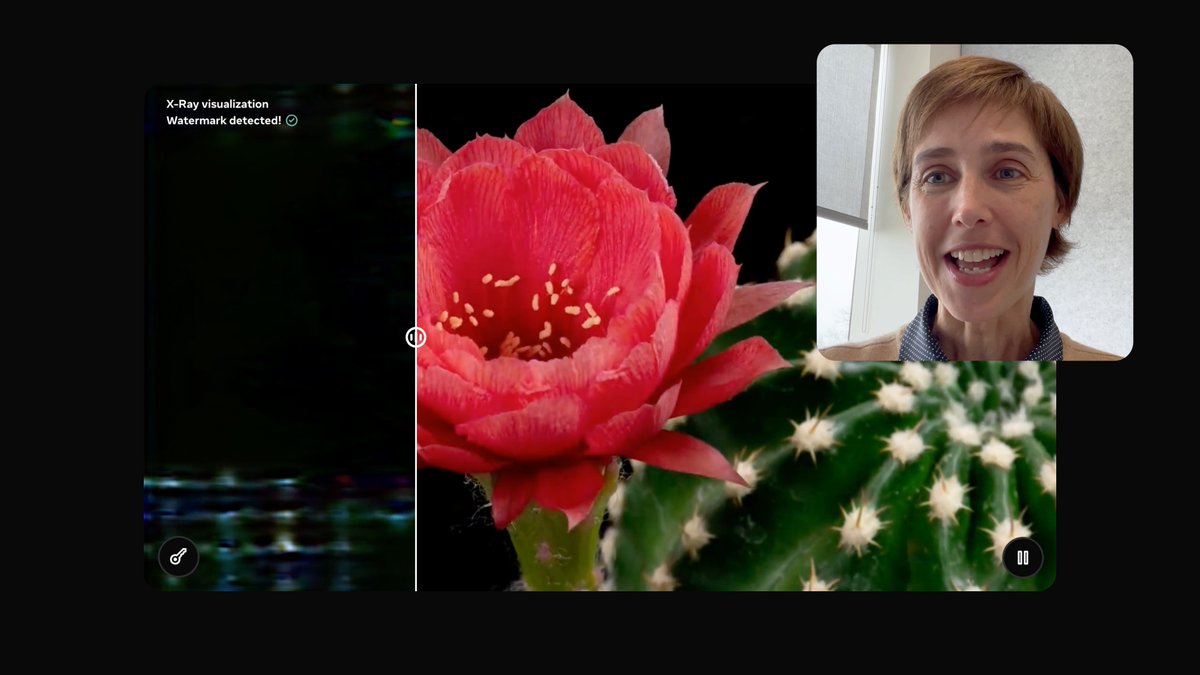
Open science is how we continue to push technology forward and today at Meta FAIR we’re sharing eight new AI research artifacts including new models, datasets and code to inspire innovation in the community. More in the video from Joelle Pineau. This work is another important step towards our goal of achieving Advanced Machine Intelligence (AMI). What we’re releasing: • Meta Spirit LM: An open source language model for seamless speech and text integration. • Meta Segment Anything Model 2.1: An updated checkpoint with improved results on visually similar objects, small objects and occlusion handling. Plus a new developer suite to make it easier for developers to build with SAM 2. • Layer Skip: Inference code and fine-tuned checkpoints demonstrating a new method for enhancing LLM performance. • SALSA: New code to enable researchers to benchmark AI-based attacks in support of validating security for post-quantum cryptography. • Meta Lingua: A lightweight and self-contained codebase designed to train language models at scale. • Meta Open Materials: New open source models and the largest dataset of its kind to accelerate AI-driven discovery of new inorganic materials. • MEXMA: A new research paper and code for our novel pre-trained cross-lingual sentence encoder with coverage across 80 languages. • Self-Taught Evaluator: a new method for generating synthetic preference data to train reward models without relying on human annotations. Access to state-of-the-art AI creates opportunities for everyone. We’re excited to share this work and look forward to seeing the community innovation that results from it. Details and access to everything released by FAIR today ➡️

AI at Meta

150,222 次观看 • 1 年前

As I promised yesterday, I'll briefly explain LoRA training and share a workflow I made so you can do it quickly. First, let me answer a very common question: 'Why train LoRAs when we have such advanced models?' Even though we have incredibly advanced models now (like NBP), we still can't always get them to do specific things we want. Simplest example: the spritesheet LoRA I made the other day. I generated 1000 images with Nano Banana and only 100 were what I wanted. The LoRA I trained using those 100 images gives me nearly 100% consistent results. Second point is cost and speed. With LoRA, we can cut costs by 4-5x. And while doing that, we're generating 4-5x faster. How many images do you need for a good LoRA? This depends on your LoRA's complexity. For example, when I training the spritesheet LoRA, even though I used 100 images, I didn't include buildings in the training data, so this LoRA doesn't work for buildings. So think about your LoRA's use cases and add examples for as many use cases as possible to improve quality. What are paired images and how to train LoRAs for image-editing? When training LoRAs for image editing on fal, we call each edit example paired images - one with _start suffix, one with _end suffix. For example, if you're training a background remove LoRA, the unedited original photo will be your '_start' image. The image with background removed will be the '_end' image. Simply put: images we want to edit or use as reference get _start, target images we want to achieve get '_end'. Important: save both images with the same name. Like image332_start.jpg and image332_end.jpg. This way the system knows which images pair together. What about training LoRAs for models with multiple image inputs? Same logic. We still use _start and _end suffixes, but with one difference. Since there are multiple input images, we can number them: _start, _start1, _start2. Example: start images, 1st image = Woman portrait (image35_start.jpg) 2nd image = Glasses photo (image35_start1.jpg) 3rd image = Hat photo (image35_start2.jpg) Output image = portrait of woman wearing glasses and hat (image35_end.jpg) Can we do more detailed captioning? Yes. Similarly, you can improve training quality by creating a txt file for each set with the caption inside. Example: create image35.txt and write: 'Recreate the image by putting the glasses from the second image and the hat from the third image on the woman in the first image.' What are Steps? How many should I use? What's Learning Rate? Steps determines how many times the model sees and processes your training data (your images). Each step, the model learns a bit more. But as steps increase, so does the risk of overfitting. So there's no real default. But for a simpler LoRA with 20 paired images, 1000 steps is ideal. Here's a metaphor for the Steps and Learning Rate relationship: Imagine you have a balloon. Our goal is to inflate it to the optimal size. Steps = How many times we blow into the balloon Learning rate = How hard we blow each time If we blow too softly, we need to blow many more times. If we blow too hard, we risk popping it quickly and can't reach optimal size. Of course training won't explode, but it won't work as intended because it wasn't trained optimally. Training's done, now what? Once training's complete, you'll have a safetensors file. Every model you train on fal has a LoRA inference endpoint. In that inference, add your safetensors file link to the LoRA url input, and you can use your LoRA. Thanks for the read! The workflow in the video: If I forgot anything, let me know in the replies.

ilker

15,133 次观看 • 6 个月前

New Course: Post-training of LLMs Learn to post-train and customize an LLM in this short course, taught by Banghua Zhu, Assistant Professor at the University of Washington University of Washington, and co-founder of @NexusflowX. Training an LLM to follow instructions or answer questions has two key stages: pre-training and post-training. In pre-training, it learns to predict the next word or token from large amounts of unlabeled text. In post-training, it learns useful behaviors such as following instructions, tool use, and reasoning. Post-training transforms a general-purpose token predictor—trained on trillions of unlabeled text tokens—into an assistant that follows instructions and performs specific tasks. Because it is much cheaper than pre-training, it is practical for many more teams to incorporate post-training methods into their workflows than pre-training. In this course, you’ll learn three common post-training methods—Supervised Fine-Tuning (SFT), Direct Preference Optimization (DPO), and Online Reinforcement Learning (RL)—and how to use each one effectively. With SFT, you train the model on pairs of input and ideal output responses. With DPO, you provide both a preferred (chosen) and a less preferred (rejected) response and train the model to favor the preferred output. With RL, the model generates an output, receives a reward score based on human or automated feedback, and updates the model to improve performance. You’ll learn the basic concepts, common use cases, and principles for curating high-quality data for effective training. Through hands-on labs, you’ll download a pre-trained model from Hugging Face and post-train it using SFT, DPO, and RL to see how each technique shapes model behavior. In detail, you’ll: - Understand what post-training is, when to use it, and how it differs from pre-training. - Build an SFT pipeline to turn a base model into an instruct model. - Explore how DPO reshapes behavior by minimizing contrastive loss—penalizing poor responses and reinforcing preferred ones. - Implement a DPO pipeline to change the identity of a chat assistant. - Learn online RL methods such as Proximal Policy Optimization (PPO) and Group Relative Policy Optimization (GRPO), and how to design reward functions. - Train a model with GRPO to improve its math capabilities using a verifiable reward. Post-training is one of the most rapidly developing areas of LLM training. Whether you’re building a high-accuracy context-specific assistant, fine-tuning a model's tone, or improving task-specific accuracy, this course will give you experience with the most important techniques shaping how LLMs are post-trained today. Please sign up here:

Andrew Ng

125,146 次观看 • 1 年前