Video wird geladen...

Video konnte nicht geladen werden

Zur Startseite

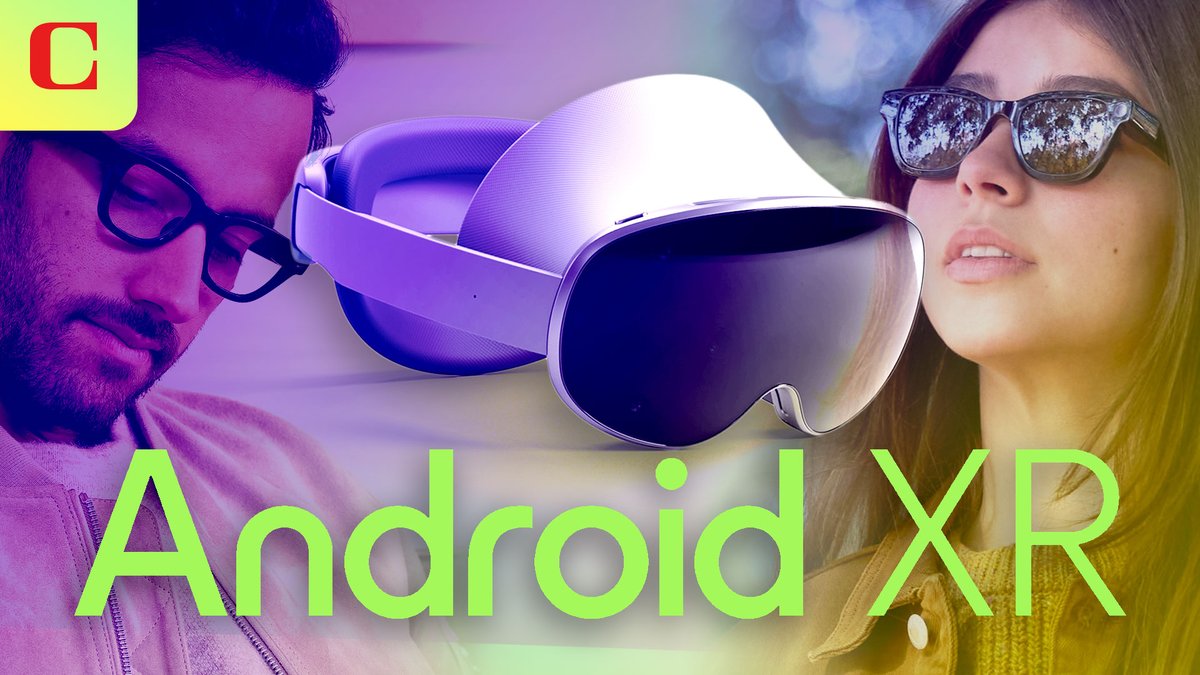
First ever live demo of Samsung’s mixed reality headset running Android XR! Gemini AI built right in, the Google apps you know and love with a very intuitive UX. Also cool to see Google maps immersive view playing a key role which I cofounded & led product for while...

160,388 Aufrufe • vor 1 Jahr •via X (Twitter)

9 Kommentare

Profilbild von Bilawal Sidhu
Bilawal Sidhuvor 1 Jahr

ICYMI full breakdown on Android XR here:

Profilbild von Bilawal Sidhu
Bilawal Sidhuvor 1 Jahr

Here’s the video in 4K for those asking. I had a chance to try the headset and AR glasses in person, but video recording was not allowed. However, stay tuned for a video on my thoughts on the experience next week!

Profilbild von Louis DeScioli ᯅ
Louis DeScioli ᯅvor 1 Jahr

Seamlessly handing off the headset mid demo was a subtle flex💪👏

Profilbild von Bilawal Sidhu
Bilawal Sidhuvor 1 Jahr

You get it

Profilbild von Greg Feingold
Greg Feingoldvor 1 Jahr

Google Maps immersive in a headset looks so cool 🤯

Profilbild von Ciprianii
Ciprianiivor 1 Jahr

samsung+gemini AI vs apple+chatgpt exciting times ahead

Profilbild von Bee 🐝
Bee 🐝vor 1 Jahr

This is so amazing

Profilbild von JBGrowing 🇨🇦🪴🍄
JBGrowing 🇨🇦🪴🍄vor 1 Jahr

Simulation is finally hitting escape velocity. 2025 is going to be a big year for XR.

Profilbild von Khalid
Khalidvor 1 Jahr

XR is on the cusp of adoption…finally

Ähnliche Videos

Gemini for Android is here! This new app makes it easier to access Google's chatbot, powered by the Gemini Pro LLM, right from your Android device. You can ask Gemini a question by tapping the launcher icon or long-pressing the power button. Once invoked, the Gemini overlay lets you enter a text or text+image prompt. You can tap the camera icon to snap a photo or press the "add this screen" button to take a screenshot of the current page to include in your prompt. The Gemini app for Android is available on Google Play with support for English, but support for Korean and Japanese will be coming next week. While there won't be an app for iOS, iPhone users can access Gemini by opening the Google App and tapping the "Gemini" button up top. How can you long-press the power button to invoke Gemini if that gesture is handled by Google Assistant? The answer is that the Gemini Android app can replace Google Assistant as your default assistant if you want, meaning all the ways you'd normally invoke Google Assistant on your phone can instead invoke Gemini. Unfortunately, Gemini currently doesn't offer ALL the same functionality as Google Assistant and requires an active data connection, but more features will be added over time. There's also now a Gemini Advanced tier, which offers access to Google's most powerful Ultra 1.0 LLM. Access to Gemini Advanced requires a subscription to the new $20/month "AI Premium" Google One plan, which offers the same benefits as the 2TB plan but adds access to Gemini Advanced and soon Gemini features in Gmail, Docs, & other Workspace apps (formerly under the Duet AI umbrella). Gemini Advanced is available in English on the web.

Mishaal Rahman

38,428 Aufrufe • vor 2 Jahren