Video yükleniyor...

Video Yüklenemedi

Ana Sayfaya Dön

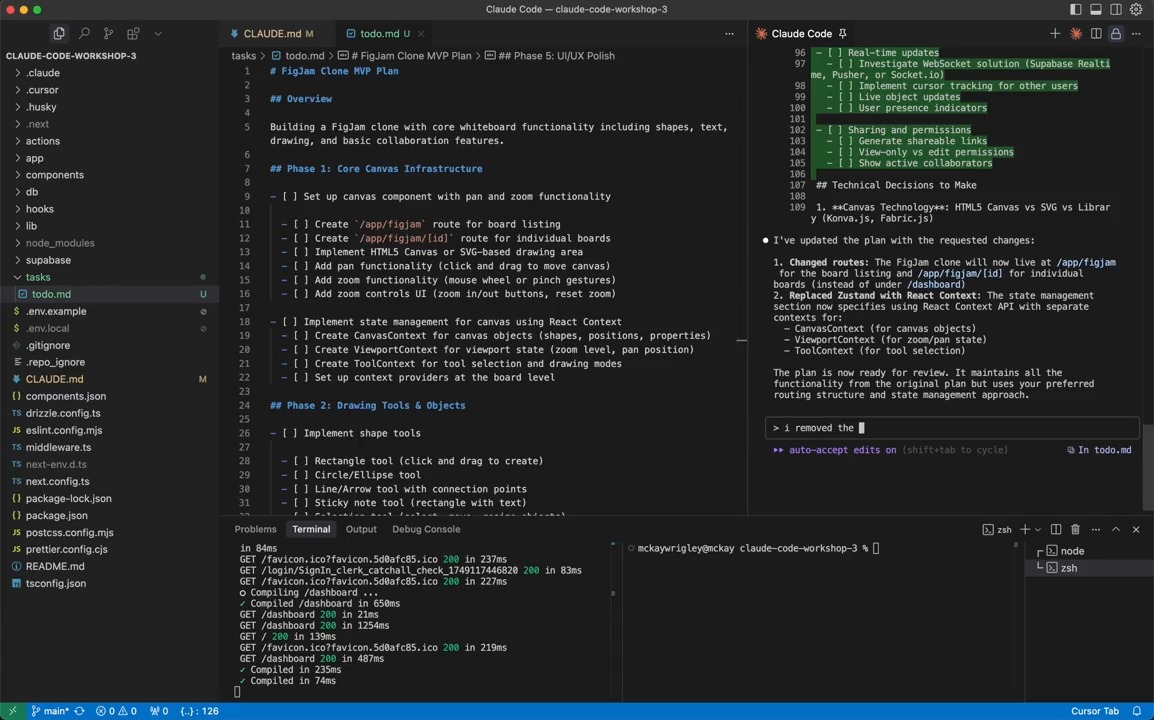
Quick demo of how I use session to session messaging in Claude Code + Ghostty (Save this and try it in your own workflows) 1- I always start with a regular session and a panel running claude agents 2- The first session becomes the orchestrator. It creates the initial...

47,175 görüntüleme • 6 gün önce •via X (Twitter)

0 Yorum

Yorum bulunmuyor

Orijinal gönderinin yorumları burada görünecek

Benzer Videolar

A DEVELOPER CONNECTED CLAUDE CODE TO OBSIDIAN SO HIS AI AGENT WOULD STOP FORGETTING THE PROJECT EVERY MORNING. Every coding session used to start the same way. Claude would understand the repo, fix the bug, explain the architecture, and then the moment the session ended, all of that context disappeared. Same codebase. Same decisions. Same architecture. Same mistakes repeated again. So he added a memory layer. Instead of treating Claude Code like a smart terminal, he connected it to a local Obsidian vault through MCP. Now Claude can read the repo, open the vault, create notes, link concepts, and write important decisions back into the system. When it studies the codebase, it does not just answer once and forget. It creates notes for the major services, maps how the architecture works, links auth to the database, connects APIs to storage, and records why certain migrations or design choices exist. Obsidian becomes the project graph. Now when he asks why something was built a certain way, Claude does not guess from the current prompt. It reads the decision notes. When he starts a new branch, Claude checks the active context file. When the work is done, it updates what changed, what is blocked, and what the next agent needs to know before touching the repo. That is the real loop: read context, write code, capture decisions, update memory. Most people are still using AI coding tools like disposable chat windows. Ask, patch, close, forget. This setup turns Claude Code into infrastructure. The repo gets a memory layer that survives every session, and multiple AI agents can work from the same project map without stepping on each other. The unlock is not better prompting. The unlock is giving the agent somewhere to remember what it already learned.

DegenCalls

20,124 görüntüleme • 1 ay önce

Ever since I wired Claude Code to WhatsApp 3 weeks ago, I built a stupidly large infra around it. I mean, opus built it. No clue how the code even looks. The entire thing was vibe coded using my phone. I wanted to see how far I could push it without touching the computer. Everything via WhatsApp. Build what I need on the fly. So the resulting infrastructure will already be battle tested for software development. The entire thing was streamlined with nearly no manual interventions, everything was communicated via WhatsApp using a single script establishing this connection. If the script is down, I need to get home to start it again to resume the development. Claude was upgrading it, debugging it, restarting it while maintaining constant uptime so it could keep communicating with me. I stressed Claude about it, telling it that it will be “in the dark” and other words that deliberately sound scary about losing communications if the script dies. I also refused git and refused cloning the code, I wanted to see Claude adapting to work on a *LIVING* system. The way this whole thing works: Claude has its own dedicated phone number that I am paying for. A real WhatsApp account for it is installed on a real iPhone that is sitting on my desk. All is registered under my name, this is legit setup with no hacks and tricks. I’ve set up a WhatsApp “Community” and multiple different groups under it. Both me and Claude are the admins, so Claude could edit it on my behalf. Each group is a project I am working on and has its own isolated context. The Group description is a system prompt that gets auto-appended to the larger system prompt explaining this setup in general. When I send a message it’s an instant interrupt to Claude Code’s process, just like in the terminal. Voice notes are seamlessly transcribed with a local Whisper model. Images are used with multimodal reading in an isolated parallel session. Multiple groups running in parallel so I can work on all projects at the same time. No cross-talking, everything has an isolated context and history. And because it’s local on my own machine: Everything is REAL. The browser is REAL. I am connected as myself on it to all services because I actually use it in real life. Claude has unlimited internet access, just like humans who use actual browsers. It utilizes custom-made browser tools that I made to control any browser session it wants. Depending on the situation, it can either connect to my existing session or create one for its own. (You can tell it ‘look at my browser for a sec’ then talk about the current page you are on and it just works, pretty cool) My custom browser tools are not perfect (not by a long shot) but I managed to make them work well to the point they are somewhat reliable. This gives Claude full access to my real creds and all the services I actually use. I’m productive AS HELL with this. It really feels like a personal assistant. I ask it to read my emails and msgs, check x .com for news, research arxiv papers, write code, run experiments for me, investigate and reverse engineer github repos, even use my credit card and order things. [I try not to do this one a lot lol so far no disasters]. All from my phone. Super convenient. This is not a product or an open source project (maybe soon of it will make sense). This is just an ugly script I hacked the entire thing is ~600 lines. (ok maybe i did look at the code, but i swear i didn’t edit!) You can also vibe code this from scratch pretty fast and it will probably even end up better. This is just a cool thing so I’m sharing. It is a real speed booster for many things I do on daily basis, mostly boring things. Forcing my routine into some new “agent platform” just didn’t feel right for me. WhatsApp is where I already communicate and look for messages, so I decided that my agents will live there too. AGI in my pocket 24/7.

Yam Peleg

419,733 görüntüleme • 8 ay önce

CLAUDE CODE JUST SHIPPED THE FEATURE THAT SOLVES THE BIGGEST PROBLEM EVERY BUILDER HAS WITH AI AGENTS. The problem: Claude starts a task, gets distracted by a sub-problem, goes down a rabbit hole, and never finishes the original thing you asked for. The solution: /goal One command. You set the goal at the start of the session. Claude now has a north star it checks against every action it takes. Not just at the beginning. Throughout the entire session. Every time Claude is about to do something it asks: does this action move me toward the goal the user set or am I drifting? If it is drifting it corrects. If it completes a sub-task it returns to the primary goal. If it hits a blocker it reports back instead of spending 45 minutes solving the wrong problem. This sounds like a small feature. It is not. The reason most people do not trust Claude Code for long autonomous runs is not capability. It is reliability. A Claude Code session that reliably finishes what it started is worth 10 times more than one that is more capable but wanders. /goal is the feature that makes long autonomous sessions reliable. Set the goal. Let it run. Come back to a finished result. Not a result that got 70% done before Claude decided the sub-problem was more interesting. Done. The builders running overnight agent sessions are going to use this command on everything from today forward. Bookmark this. Follow CyrilXBT for every Claude Code feature the moment it ships.

CyrilXBT

19,586 görüntüleme • 3 ay önce

I tried jack's Buzz. It's like Slack + OpenClaw + Herdr + but with some really unique features that people are sleeping on. The video below shows how it works, and some of my thoughts on the process and platform, e.g.: - Create and interact with agents on top of any harness (claude code, codex, pi, etc.) - Choose which models agents use, including local ones - Agents can delegate work and work in parallel in git worktrees - Agents are first-class citizens and work like humans (creating channels, delegating, access to chat history) - You can share AI compute within a community - It's completely open-source and decentralized Things I like: - Delegating work in chat feels natural: tag an agent, it replies in a thread with status updates as it e.g. compiles, commits, and deploys. - Shared compute: relay owners can share local compute with members, so a community could pool funds for one beefy machine running a local model and everyone uses it. - It's built on Nostr, an open protocol already tied into Bitcoin Lightning so I can imagine communities tipping each other or paying for compute/agent tasks with instant zero-fee micropayments in the future. - It ties together things like OpenClaw, an agent manager, and Slack-style chat into one tool. Things I didn't like: - You can't see what the agent is doing in a terminal. The activity view exists, but if you're used to watching a session run, this UI feels a bit abstracted. A terminal view would be great. - It feels slower than running a session in Claude Code, though no evidence to back that up. For that reason I found myself doing one-off tasks in the terminal instead. Verdict: - I really like it so far and can genuinely imagine working with a team this way. - It doesn't feel ready for big, complex tasks yet. For shallower tasks, it's perfect. - The shared compute + Nostr/Lightning angle is what really separates it from every other agent manager for me, and I think that future is coming.

Vinny

1,350,756 görüntüleme • 1 ay önce