Video yükleniyor...

Video Yüklenemedi

Ana Sayfaya Dön

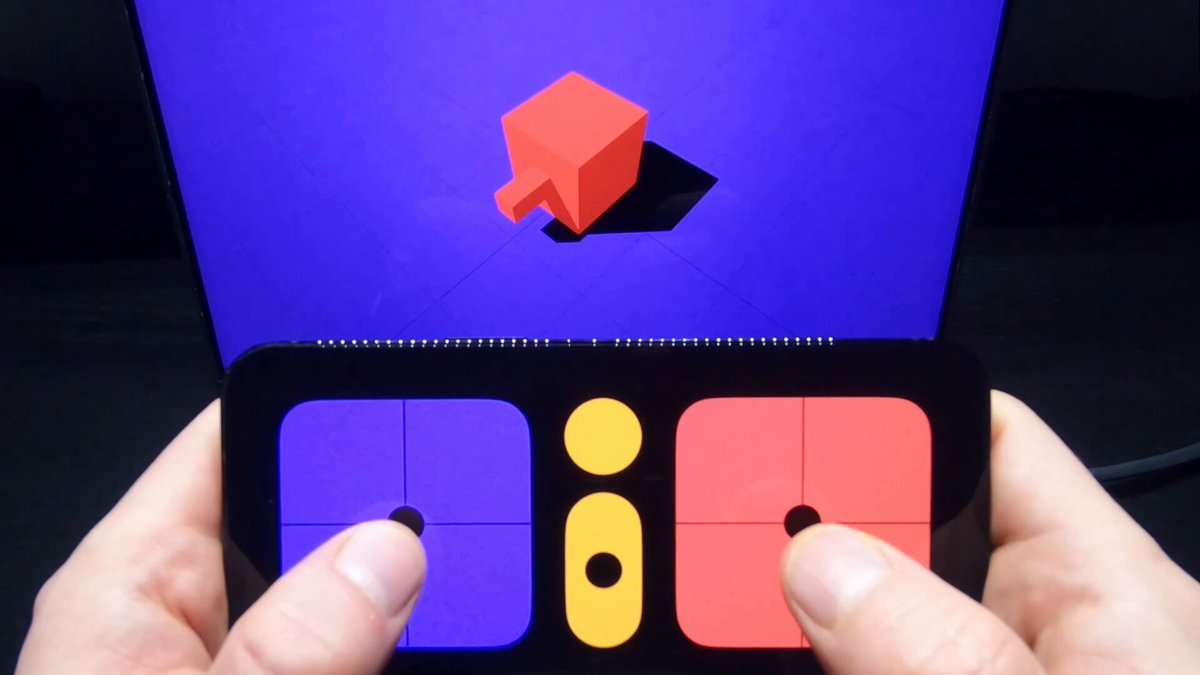
With the thrilling release of Logitech's MX Ink Stylus Input device for Meta Quest, I wrote an article delving into the journey of building experiences with MX Ink. Getting stylus device detected and tracked / Using the pressure sensitive tip and button for 2D surface & 3D spatial drawing...

26,106 görüntüleme • 1 yıl önce •via X (Twitter)

3 Yorum

Yoon Park (박동윤) profil fotoğrafı
Yoon Park (박동윤)1 yıl önce

Logitech の Meta Quest 向け MX Ink スタイラス入力デバイスのリリースに際し、MX Ink を使用したエクスペリエンスの構築の過程を詳しく解説した記事を書きました。スタイラス デバイスの検出と追跡 / 圧力感知チップとボタンを使用した 2D サーフェスおよび 3D 空間描画 / Meta XR Interaction SDK を使用して UI とオブジェクトにレイ、グラブ、ポーク インタラクションを追加する Logitech MX Ink for Quest: #MetaQuest #MXInk #MixedReality #SpatialComputing #XR #InteractionSDK

Lucas Martinic profil fotoğrafı
Lucas Martinic1 yıl önce

It's a surprisingly natural input for XR

Thanest S profil fotoğrafı
Thanest S1 yıl önce

Your article very informative. I learned a lot.👍

Benzer Videolar

📣 I talk a lot about Meta SDKs because I spend a lot of time with these tools. But also when someone asks me what VR/MR tools they can use for cross platform support, I recommend 𝗨𝗻𝗶𝘁𝘆’𝘀 𝗫𝗥 𝗧𝗼𝗼𝗹𝗸𝗶𝘁 which provides: - 𝗖𝗿𝗼𝘀𝘀-𝗽𝗹𝗮𝘁𝗳𝗼𝗿𝗺 𝘀𝘂𝗽𝗽𝗼𝗿𝘁: Meta Quest, OpenXR, Windows Mixed Reality, + more - 𝗜𝗻𝘁𝗲𝗿𝗮𝗰𝘁𝗶𝗼𝗻𝘀: Hover, select, grab - 𝗙𝗲𝗲𝗱𝗯𝗮𝗰𝗸: Haptic + visual tint/line for possible & active interactions - 𝗨𝗜: Canvas interaction via XR controllers - 𝗨𝘁𝗶𝗹𝗶𝘁𝗶𝗲𝘀: XR Origin support for stationary & room-scale VR - 𝗫𝗥 𝗛𝗮𝗻𝗱𝘀: this is an extended package to support more advanced hand tracking interactions 👉 Also, it supports 𝗔𝗥 𝗳𝗼𝗿 𝗺𝗼𝗯𝗶𝗹𝗲 𝗳𝗲𝗮𝘁𝘂𝗿𝗲𝘀 𝘁𝗵𝗿𝗼𝘂𝗴𝗵 𝗔𝗥 𝗙𝗼𝘂𝗻𝗱𝗮𝘁𝗶𝗼𝗻, the features are: - 𝗔𝗥 𝗴𝗲𝘀𝘁𝘂𝗿𝗲 𝘀𝘆𝘀𝘁𝗲𝗺: Maps screen touches to Input System gesture events via TouchscreenGestureInputController - 𝗦𝗰𝗿𝗲𝗲𝗻-𝘀𝗽𝗮𝗰𝗲 𝗶𝗻𝗽𝘂𝘁: Feeds touch data into XRRayInteractor for AR interaction - 𝗔𝗥𝗧𝗿𝗮𝗻𝘀𝗳𝗼𝗿𝗺𝗲𝗿: Converts place, select, translate, rotate, scale gestures into object manipulation 👨‍💻 And to emulate your apps/games without physical devices I recommend the following: - 𝗫𝗥 𝗗𝗲𝘃𝗶𝗰𝗲 𝗦𝗶𝗺𝘂𝗹𝗮𝘁𝗼𝗿 for VR/MR to test your interactions - 𝗔𝗥 𝗙𝗼𝘂𝗻𝗱𝗮𝘁𝗶𝗼𝗻 𝗥𝗲𝗺𝗼𝘁𝗲 𝟮.𝟬 for AR Foundation testing, this allows you to remotely test all the AR features by connecting the Unity editor to your physical device (iOS or Android) 💡 Are you using Unity’s XR Toolkit? ISDK? any other toolkit?

Dilmer 👓

12,943 görüntüleme • 4 ay önce