正在加载视频...
视频加载失败
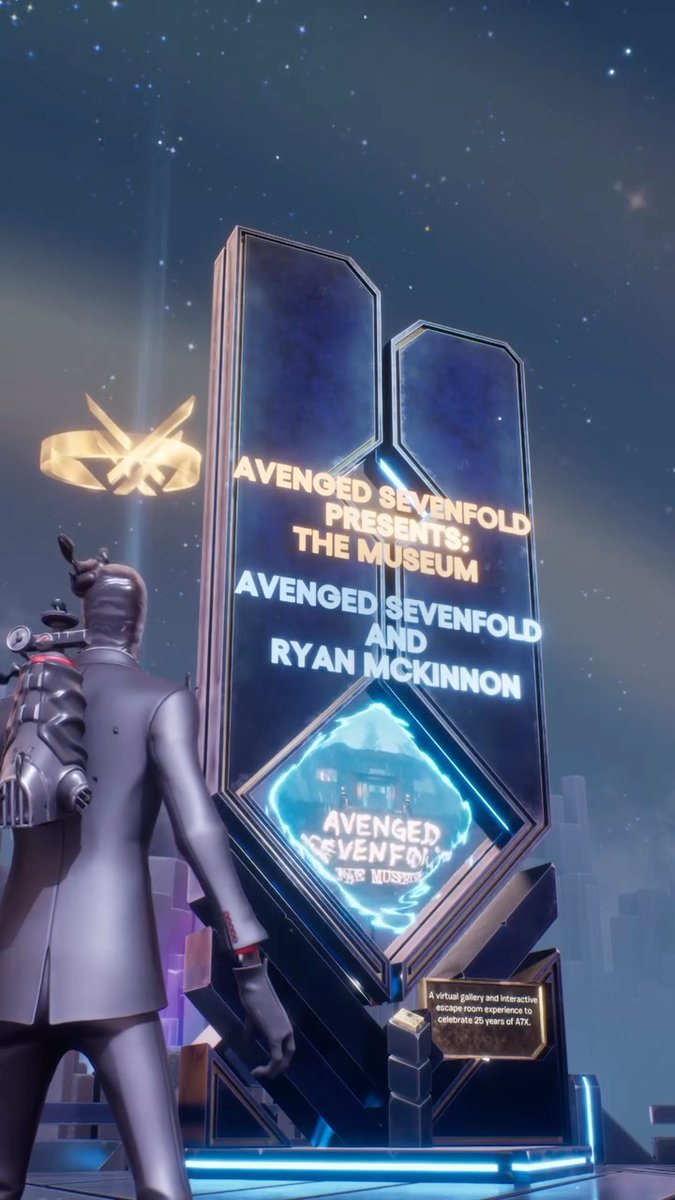
Create Cool Fortnite Character Animations! Using powerful yet easy to use tools such as 'Audio-to-Animation' you can create high quality animations right within Unreal Engine 5 and UEFN. Many still aren't aware that there are over 1,200 Fortnite characters, or "skins" that are available for your use right within... show more

10,388 次观看 • 9 个月前 •via X (Twitter)
0 条评论
暂无评论
原始帖子的评论将显示在这里




![CSS Tip! ✨ You can create icon sprite animations using the steps() animation-timing function 🤙 You could use this to create little icon button animations, etc. 😎 But how do you do it? Like this 👇 button img { object-fit: cover; object-position: 0 0; } The image is a sprite strip of the frames in the animation. To animate the frames, you do something like this: [aria-pressed=true] img { animation: play 0.5s steps(20) forwards; } @ keyframes play { to { object-position: 100% 0; } } We are toggling aria-pressed in our scripts to show a pressed state and we can then fire the animation to play our sprite 🎉 Check out the video that breaks things down a little bit CodePen.IO link blow! 👇](https://image.24vids.com/tw-1694442289047703873/ext_tw_video_thumb/1694440593613557760/pu/img/OB1gtiLZhnylcC9e.jpg)


